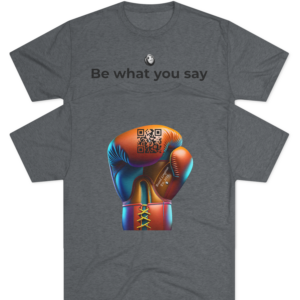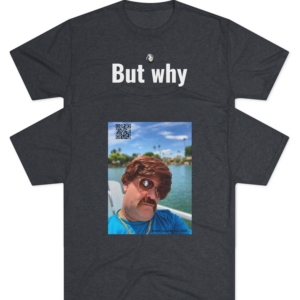
VETERAN-OWNED | FAMILY-OPERATED
Custom Build
Premium Apparel by Brand Longinus
Digital previews are approximations. Final garment colors and exact artwork placement are locked in during your official approval.
THE LONGINUS GUARANTEE
No subscription — now or ever. Every project submission is free. Premium garments at competitive prices.
Establishing Connection...
If you see this, a URL is missing in MOCKUPS.
FRONT
-
Brand Longinus Style
The Demand Excellence
$34.99 Select options This product has multiple variants. The options may be chosen on the product page -
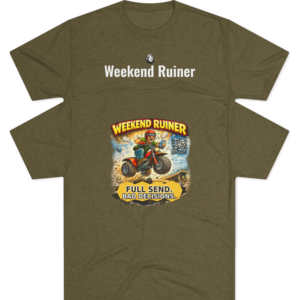
Brand Longinus Style
The Weekend Ruiner
$33.99 Select options This product has multiple variants. The options may be chosen on the product page -
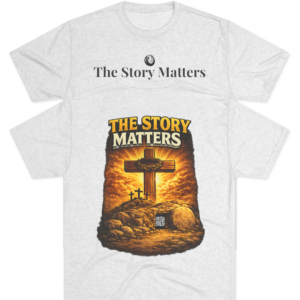
Brand Longinus Style
The Story Matters
$32.99 Select options This product has multiple variants. The options may be chosen on the product page -
Brand Longinus Style
The Mother In Law
$32.99 Select options This product has multiple variants. The options may be chosen on the product page -
Brand Longinus Style
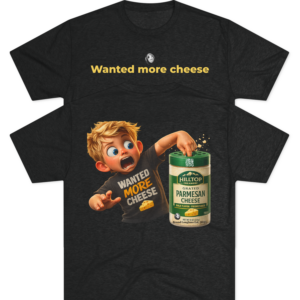
The Cheese Finger
$33.99 Select options This product has multiple variants. The options may be chosen on the product page -
Brand Longinus Style
The Old Couple
$33.99 Select options This product has multiple variants. The options may be chosen on the product page -
Brand Longinus Style
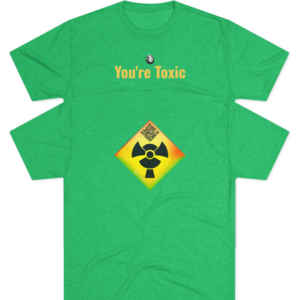
The Toxic
$34.99 Select options This product has multiple variants. The options may be chosen on the product page -
Brand Longinus Style
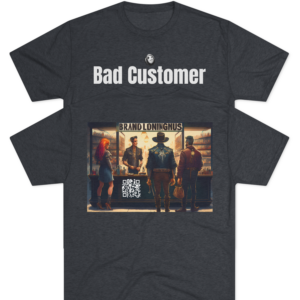
Bad Customer
$32.99 Select options This product has multiple variants. The options may be chosen on the product page -
Brand Longinus Style
The Chandler
$34.99 Select options This product has multiple variants. The options may be chosen on the product page -
Brand Longinus Style
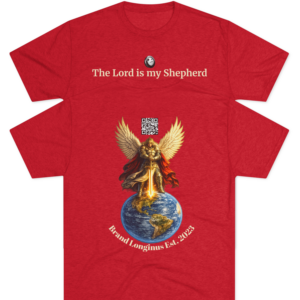
The Lord is my Shepherd
$32.99 Select options This product has multiple variants. The options may be chosen on the product page -
Brand Longinus Style
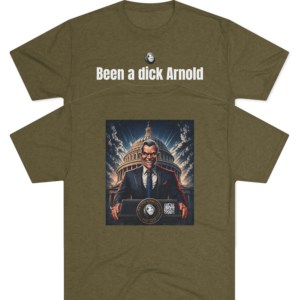
Been a dick Arnold
$33.99 Select options This product has multiple variants. The options may be chosen on the product page -
Brand Longinus Style
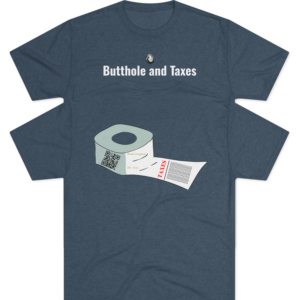
The Butthole and Taxes
$33.99 Select options This product has multiple variants. The options may be chosen on the product page